
Schedule Reels, photos, and Stories.
Schedule Reels, photos, and Stories on a professional Instagram account.
- Photos
- Reels
- Video

Prepare the content
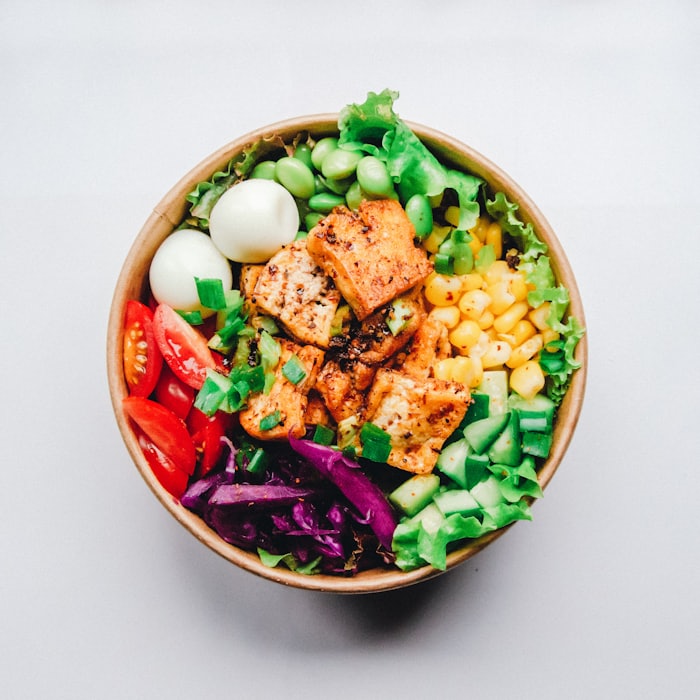
salad bowl
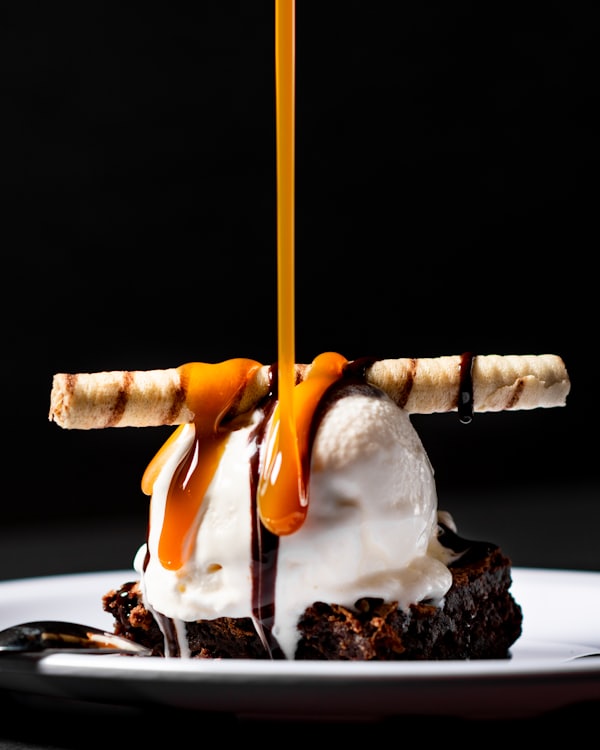
dessert

plated dish

bar evening
What it does in Heavenly
A feed version and a vertical version.
Prepare a crop that fits the surface. Keep the finished video and caption together rather than treating the caption as an afterthought.
The caption belongs to this post.
Review your message and hashtags with the image or video. Tailor the Instagram version before you schedule it.
Connect, prepare, schedule.
Connect a supported professional account, prepare the media, and select the destination in your publishing calendar.
About Instagram
What is Instagram?
Instagram is built around Reels, photos, and Stories, especially for lifestyle, visual brands, and creators.
What does Heavenly send to Instagram?
Photos, Reels and Stories. 2,200 characters. It publishes to Professional accounts.
How do you connect Instagram?
Sign in through Instagram. Set your Reel cover and decide whether it also appears in your feed before scheduling.
Who is Instagram useful for?
Visual creators, lifestyle brands, independent businesses, and communities that follow photos and short video.
Why use Instagram with Heavenly?
Turn a finished edit into a planned visual story, with the caption and account chosen before it leaves your workspace.
How it works
Connect
Sign in through Instagram. Heavenly keeps that connection with the draft.
Prepare the post
Photos, Reels and Stories. Make the first frame count.
Choose the time
Schedule it to Professional accounts from the same calendar as the rest of the launch.
Stay inside the limit
2,200 characters. Set your Reel cover and decide whether it also appears in your feed before scheduling.
Requirements & limits
- Where it publishes
- Professional accounts
- Supported content
- Photos, Reels and Stories
- Limit
- 2,200 characters
- How to connect
- Sign in through Instagram
Earn on this platform
How earning works on Instagram
How do you earn on Instagram?
Earn through Gifts, subscriptions, sponsorships, or sales. There is no universal Reel view rate. Example: 100 subscribers at $5/month = $500 gross before fees; this is an illustration, not a Meta payout promise.
Follow these steps
Set up a professional account
Choose a clear niche and publish original Reels and Stories. Use the Professional Dashboard to check the earning tools available to your account and country.
Enable eligible tools
Open Gifts or Subscriptions where available, review the requirements and terms, and set up payouts. Availability is account-specific.
Build a paid offer
For subscriptions, explain the exclusive content members receive. For brand work, agree on deliverables, payment, and usage rights before publishing.
Track the right income
Measure gifts received, paying subscribers, partnership fees, and sales. Add the paid-partnership disclosure to sponsored content.
Receive your payment
Finish payout setup in your eligible Gifts or Subscriptions tool. For brand deals, invoice the brand directly and confirm payment.
USD examples illustrate gross revenue, not promised earnings. Fees, eligibility, and payout terms vary by account and country. Payments come from the platform or your customer, not Heavenly.
Bring Instagram into Heavenly.
Sign in to connect your account and choose it in your publishing calendar.
Put Instagram on your calendar.
Connect the account, review the Instagram version, and schedule it with the rest of the launch.